×

VARIABLE FONTS GUIDE
As a designer, you’ve probably run into this. Regular feels too light, Bold too heavy, and nothing in between quite fits. You switch styles, adjust spacing, tweak layouts,
trying to make it work. Variable fonts give you that control.
A variable is a single file that contains a full range of styles. Rather than switching between fixed weights, you can select any value in between to better fit your layout.
The most common axes are:
Weight (wght) controls how light or bold the glyphs appear.
Slant (slnt) switches between upright and slanted.
Variable Fonts can be used across all common design tools and the web.
For Desktop:
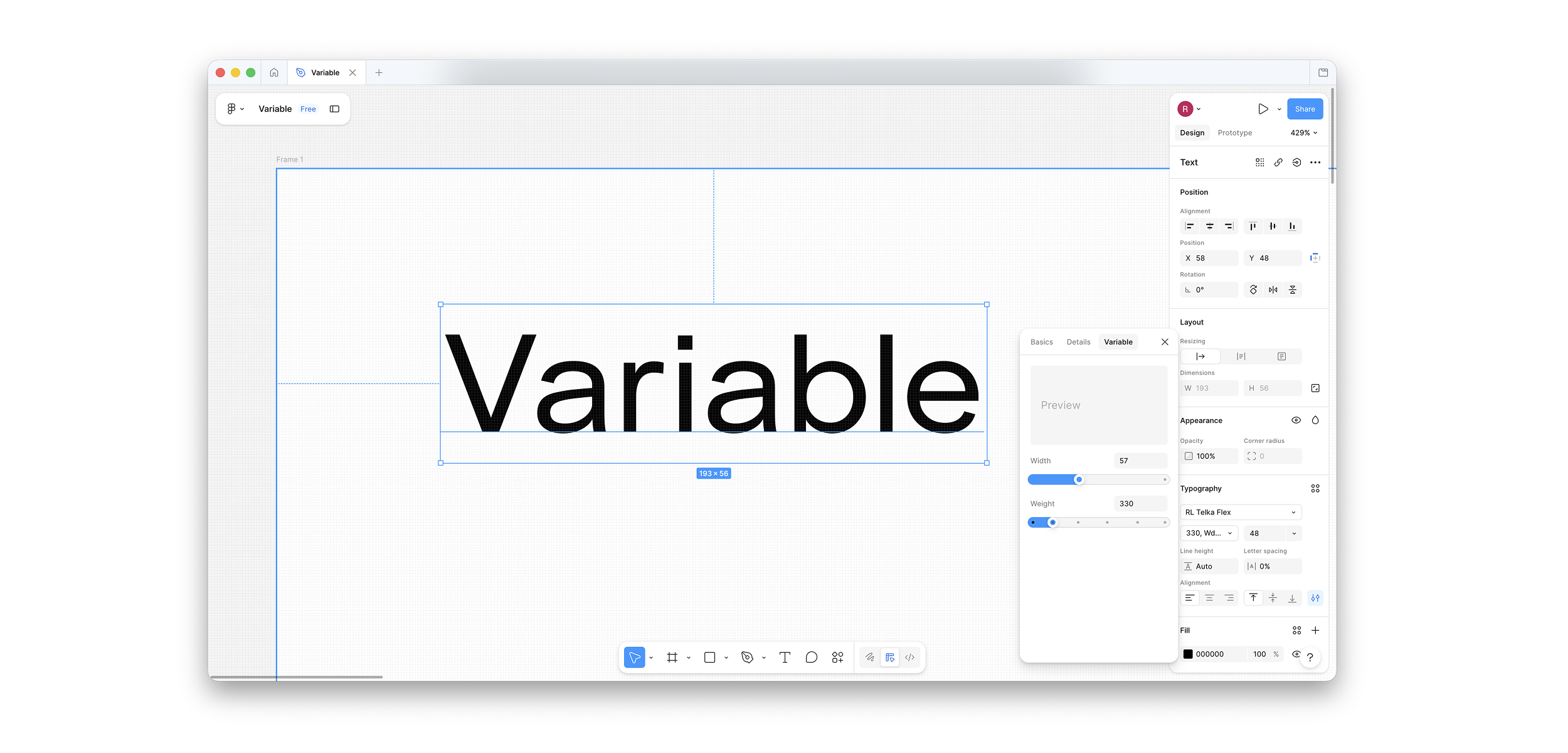
Install the font like any other font. In design tools such as Illustrator, InDesign, Figma, or Affinity, variable fonts appear as a single font. You can adjust weight and other available axes directly in the interface, often using sliders. Depending on the font, additional axes may also be available.
For Web:
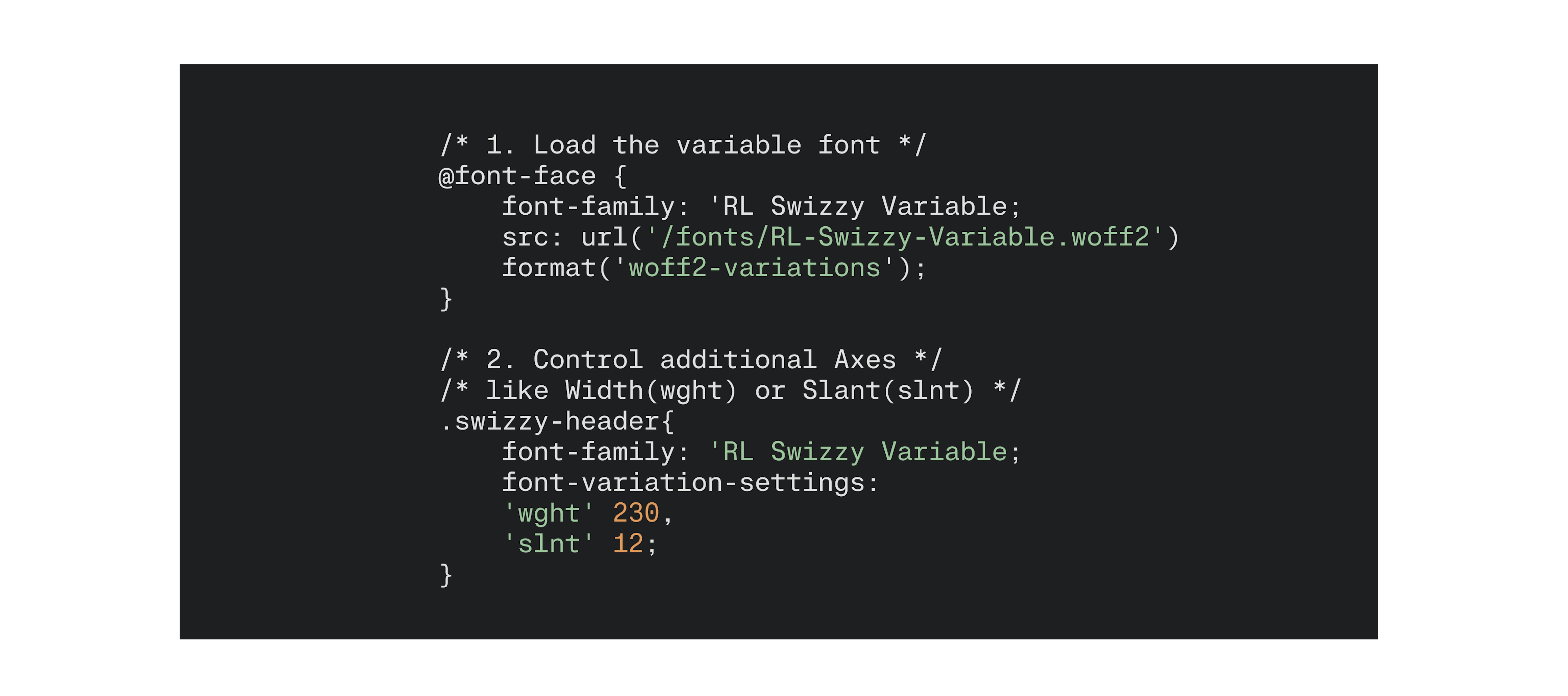
Instead of switching between predefined styles, you can define precise values directly in CSS, making typography more adaptable across different screen sizes and contexts. A single variable font file can also replace multiple font files, helping reduce page weight and improve web performance.
This leads to more consistent layouts, better readability, and more refined branding. It also allows for more flexible design systems, where typography can adapt while maintaining a consistent visual voice.
Our shop offers separate available variable fonts, and all trials include a variable font for you to test.
[FONTS IN USE: ALBRA - TELKA - SWIZZY]
